 Reven
Reven Shopify Sales Tax Management: A Comprehensive Guide

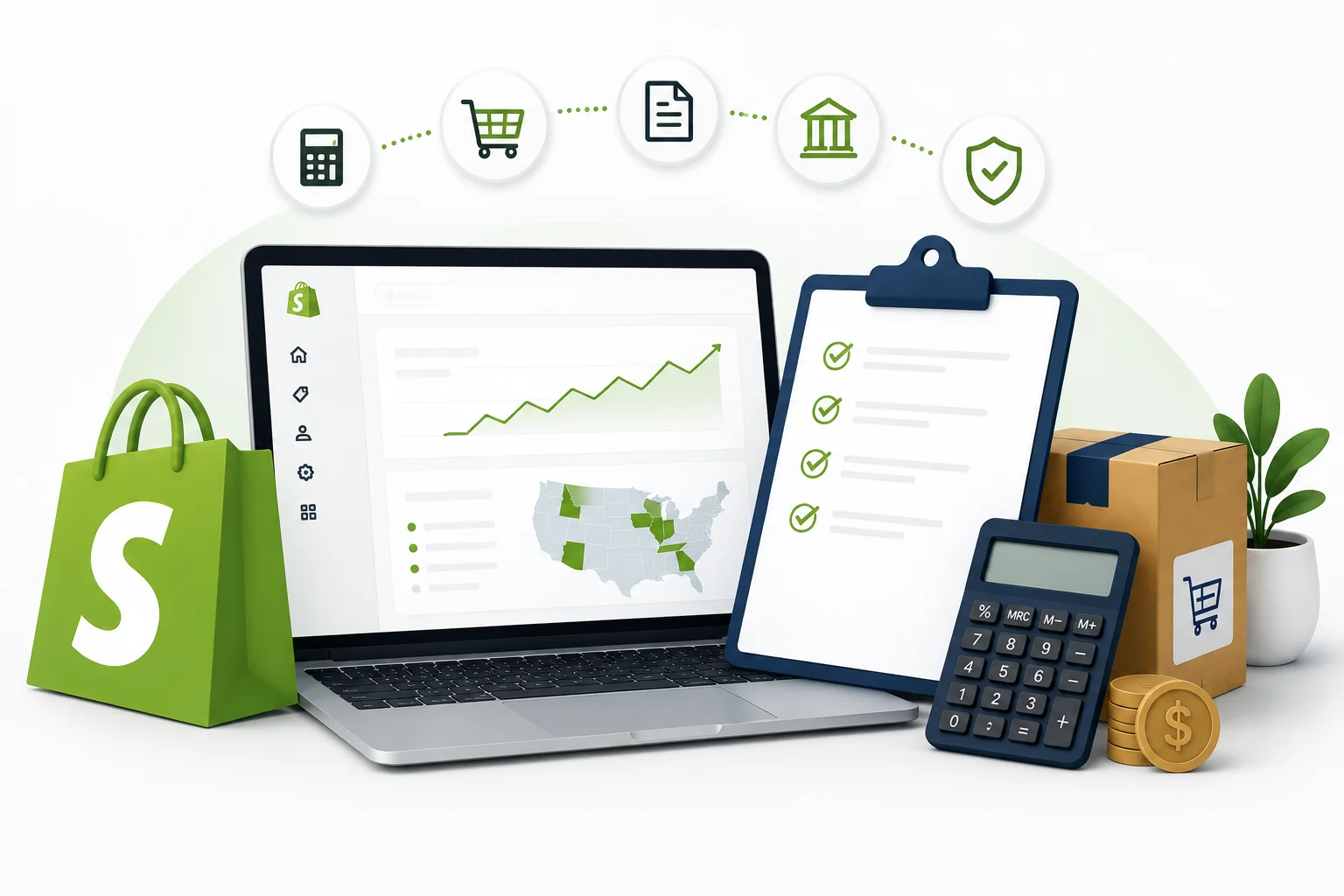
Managing Shopify sales tax requires understanding complex regulations across different jurisdictions. E-commerce businesses face unique challenges when determining their tax obligations. Modern online retailers must navigate state and local tax requirements while maintaining compliance. This comprehensive guide covers essential aspects of sales tax in Shopify management. Business owners will learn practical strategies for proper tax collection and reporting.
Does Shopify Collect Sales Tax?
Shopify generally does not collect, remit, or file sales tax on behalf of merchants for standard online store sales. Merchants remain responsible for their own sales tax compliance. However, there may be specific Shopify-managed channels or special cases where Shopify handles tax collection or remittance.
The concept of Shopify sales tax nexus determines where businesses must collect taxes. Nexus occurs when companies establish sufficient connection with a state. Physical presence traditionally created nexus requirements. Economic nexus laws now apply to remote sellers exceeding certain thresholds. Most states require tax collection after reaching $100,000 in sales or 200 transactions.
Understanding nexus triggers helps merchants identify their collection responsibilities. Warehouse locations create physical nexus in specific states. Trade shows and temporary business activities may also establish a nexus. Affiliate marketing programs can create unexpected tax obligations. Regular monitoring of sales volume prevents compliance gaps.
Shopify automatically calculates taxes based on configured settings. The system uses destination-based tax rates for accurate calculations. Merchants can integrate third-party tax services for enhanced accuracy. These services provide real-time tax rates and compliance support.
Manual tax calculation presents risks for growing businesses. Rate changes occur frequently across different jurisdictions. Local tax districts add complexity to calculation requirements. Sales tax in Shopify management becomes challenging without proper tools. Automated solutions reduce human error and improve accuracy.
Third-party integrations offer advanced features beyond basic calculations. These services handle exemption certificate management automatically. They provide detailed reporting for multiple tax jurisdictions. Real-time rate updates ensure compliance with changing regulations. Professional support helps resolve complex tax scenarios.
Merchants must register with tax authorities before collecting taxes. Registration requirements vary by state and business type. Some jurisdictions require immediate registration upon establishing a nexus. Others provide grace periods for new businesses. Proper registration prevents penalties and legal complications during operations.
How to Set Up Taxes on Shopify?
Setting up Shopify sales tax settings begins with accessing the admin dashboard. Navigate to Settings and select Taxes from the menu. Choose your country and enter your business location details. Shopify displays applicable tax rates for your jurisdiction. Review default settings and adjust them according to your specific requirements.
Configure tax rates for each location where you collect taxes. Add states, provinces, or countries as needed for your business. Enter specific tax rates or allow Shopify to use automatic rates. Consider local tax requirements that may apply to your products. Some jurisdictions have special rates for specific product categories.
Tax for Shopify sellers includes managing product-specific tax settings. Access Products from your admin dashboard to configure individual items. Some products may be tax-exempt in certain jurisdictions. Digital products often have different tax treatment than physical goods. Review each product category to ensure proper tax classification.
Enable tax-inclusive pricing if your region requires it. This setting displays prices with taxes already included. Configure shipping tax settings based on your location requirements. Some areas require tax collection on shipping charges. Test your tax calculations with sample orders before launching.
Understanding Shopify sales tax nexus helps determine which locations require tax setup. Physical nexus occurs when you have inventory or offices in specific states. Economic nexus triggers when sales exceed threshold amounts in certain jurisdictions. Monitor your sales volume to identify new nexus obligations regularly.
Customer tax exemptions require careful configuration within your settings. Create customer groups for tax-exempt organizations like nonprofits or resellers. Upload exemption certificates to validate these customers' exempt status. Shopify tax exemptions must be properly documented to maintain compliance during audits.
Advanced tax configuration involves setting up multiple tax zones. Create separate zones for different regions with varying tax requirements. Assign appropriate tax rates to each zone based on local regulations. Complex businesses may need different zones for wholesale versus retail customers.
Integration with third-party tax calculation services enhances accuracy significantly. Connect the services through the Shopify app store. These integrations provide real-time rate updates and automated calculations. Professional tax services reduce manual errors and improve Shopify sales tax compliance efforts.
Regular testing ensures your tax setup functions correctly across all scenarios. Process test orders to different locations to verify calculations. Check that charging taxes on Shopify works properly for various product types. Validate that exemptions apply correctly when applicable customers make purchases.
Documentation of your tax setup decisions supports future compliance efforts. Record why specific rates were chosen for different jurisdictions. Maintain notes about product categorization decisions for tax purposes. Proper documentation helps during tax audits and when updating settings later.
Ongoing maintenance keeps your Shopify tax configuration current with changing regulations. Subscribe to tax rate update notifications from relevant authorities. Schedule regular reviews of your tax settings quarterly or semi-annually. Update rates promptly when jurisdictions announce changes to avoid collection errors.
How to File Sales Tax Returns As a Shopify Seller?
Collecting sales tax on Shopify creates reporting obligations for merchants. Generate sales tax reports from your Shopify admin dashboard. Navigate to Analytics and select Reports for tax-related data. Download detailed reports showing tax collected by jurisdiction. These reports provide essential information for filing returns.
Access the Taxes section within your reports to view comprehensive data. Filter reports by specific date ranges to match filing periods. Export data in CSV or Excel format for easier manipulation. Review total tax collected, exempt sales, and refunded amounts. Verify that all transactions appear correctly in your reporting data.
Organize your tax data by reporting period and jurisdiction. Most states require monthly, quarterly, or annual filings. Create a filing calendar to track due dates for each location. Late filings often result in penalties and interest charges. Maintain detailed records of all tax collected and remitted.
Separate your sales data by taxable and non-taxable categories. Document shipping charges that include tax collection. Record any manual tax adjustments made during the period. Keep backup copies of all reports for future reference. Store documentation for the required retention period in your jurisdiction.
File returns with appropriate tax authorities for each jurisdiction. Visit official government websites to access filing systems. Many states offer online filing portals for convenience. Submit returns by required deadlines to avoid penalties. Remit collected taxes according to each jurisdiction's requirements.
Calculate total gross sales for each reporting jurisdiction separately. Determine taxable sales by subtracting exempt transactions from gross sales. Apply the correct tax rate to arrive at tax due. Compare calculated amounts with taxes actually collected through Shopify. Reconcile any differences before submitting your return.
Shopify tax exemptions require special handling during the filing process. Track exempt sales separately from taxable transactions. Maintain proper documentation for all exemption claims. Some customers provide exemption certificates that must be validated. Review exemption eligibility requirements for each jurisdiction where you operate.
Validate exemption certificates before processing exempt orders. Store digital copies of all exemption documentation securely. Update expired certificates promptly to maintain compliance. Monitor exemption usage patterns to identify potential issues. Remove invalid exemptions from customer accounts immediately.
Charging taxes on Shopify involves ongoing monitoring and adjustments. Tax rates change frequently across different jurisdictions. Subscribe to rate update services or use automated solutions. Regular audits help identify potential compliance issues. Consider professional assistance for complex multi-state operations.
Monitor state tax authority communications for rate changes. Update your Shopify sales tax settings when jurisdictions modify requirements. Test tax calculations after making system updates. Verify that new rates apply correctly to future orders. Document all changes made to your tax configuration.
Reconcile payment processor fees with tax remittance amounts. Account for refunds and chargebacks in your tax calculations. Adjust future filings for any errors discovered in previous periods. Maintain communication with tax authorities regarding filing questions. Keep detailed records of all correspondence with tax agencies.
Implement internal controls to ensure accurate Shopify sales tax compliance. Establish review procedures for all tax filings before submission. Create backup payment methods for tax remittance processes. Set up automated reminders for upcoming filing deadlines. Train team members on proper tax reporting procedures.
Track payment confirmations from tax authorities after remitting taxes. Monitor bank accounts to ensure payment processing is completed successfully. Follow up on any rejected or failed payment attempts. Maintain records showing timely payment for each jurisdiction. Address payment issues immediately to avoid additional penalties.
Consider using third-party tax automation services for complex operations. These services integrate directly with Shopify for seamless reporting. Automated solutions reduce manual errors in tax calculations. Professional services often include audit support and compliance guidance. Evaluate cost-benefit ratios when selecting automation tools.
Review your Shopify tax processes regularly for improvement opportunities. Update procedures as your business expands into new markets. Stay informed about changing tax laws and regulations. Participate in training programs offered by tax authorities. Maintain current knowledge of e-commerce tax requirements.
CEO @Reven
Barkin Doganay is the Co-founder and CEO of Reven AI, an AI-native accounting and sales tax automation platform that automates bookkeeping, accounting, sales tax, and fractional accounting workflows end-to-end in a single system. Previously, he was the co-founder of Kintsugi AI, one of the fastest-growing sales tax automation startups in Silicon Valley. As a founder and operator, Barkin has deep expertise in accounting, bookkeeping, tax compliance, and AI-driven financial workflows for companies. He received his Bachelor of Science in Electrical Engineering & Computer Science and Bachelor of Arts in Economics from Yale University, and his MBA from Massachusetts Institute of Technology.